Instagram posts for your app
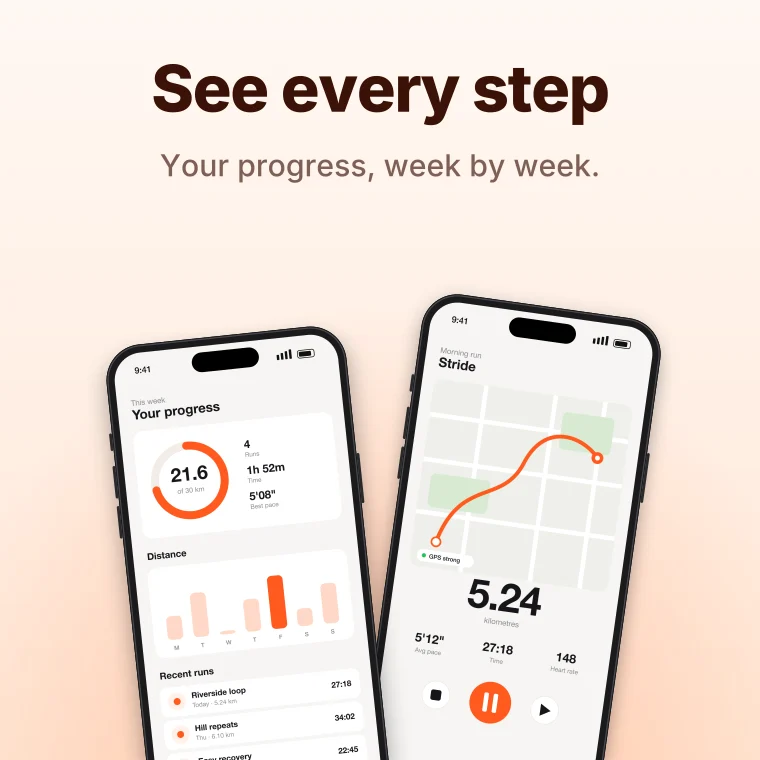
Square and 4:5 portrait posts that make your app look as good as it works. LaunchHerald frames your screenshots in real devices, writes the headline, and keeps every post in your brand's colours.
What you get
Square and portrait
1080×1080 and 1080×1350 — the portrait size takes more space in the feed.
Carousel-ready sets
Up to 10 posts in one consistent style, perfect for a swipeable carousel.
Stickers and callouts
Ratings, badges, arrows, chat bubbles and 70+ stickers to highlight features.
Animated versions
Turn any post into a Reel with motion backgrounds and animated text.
How it works
Upload screenshots and choose Instagram post.
Pick a layout and palette; AI writes the headlines.
Export PNGs — or a video for Reels.
Questions
What's the best Instagram post size?
Portrait 1080×1350 (4:5) takes the most room in the feed; square 1080×1080 works everywhere.
Can I make a carousel?
Yes. Each screenshot becomes a post in the same style; post them together as a carousel.
Related tools
You built it. Now get it noticed.
Launch posts, videos and mockups from the screenshots you already have.